
Download Certificate for Moodle – certificate, diploma, Moodle, online course, student achievement, e-learning, digital credential
Overview
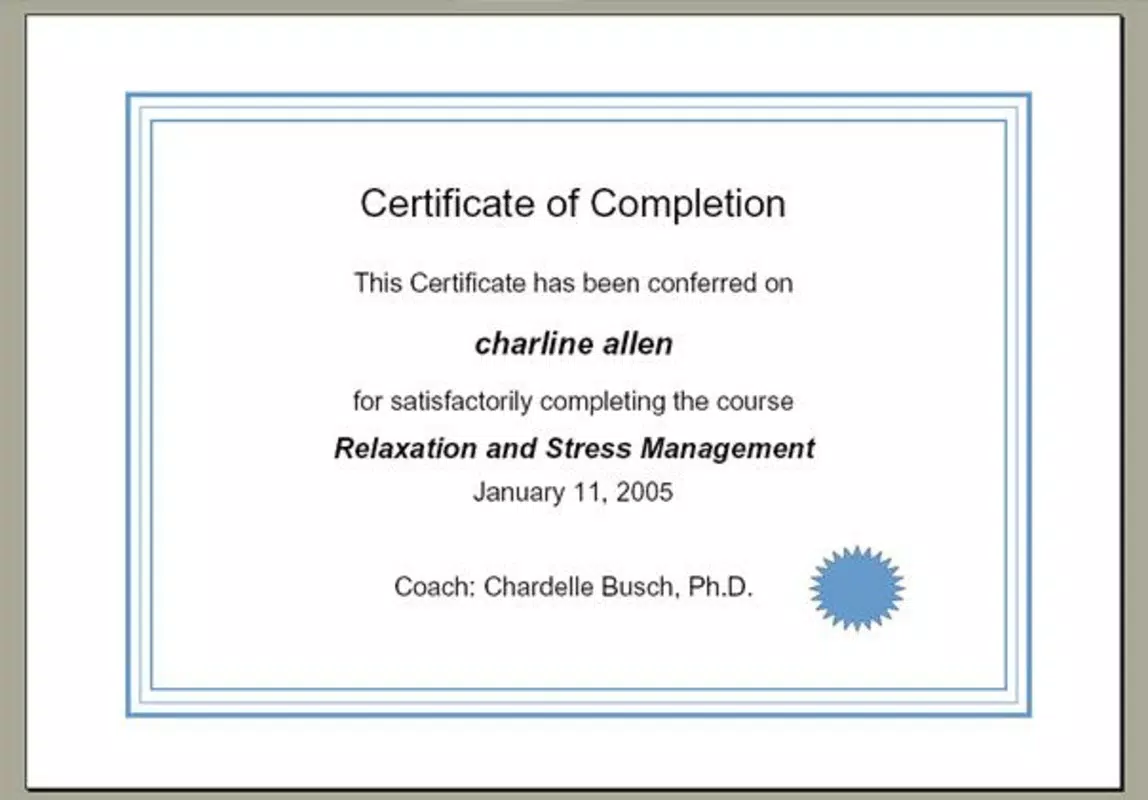
The Certificate for Moodle module serves as a dedicated tool for educators and administrators managing online courses within the Moodle learning platform. Designed to recognize student achievements, this module enables the creation of personalized diplomas for learners who successfully complete courses. It addresses a key need in e-learning environments: the formal acknowledgment of accomplishments through visually appealing, branded certificates. These digital credentials enhance the perceived value of online education and support learners in showcasing their skills to employers or academic institutions.
Target users include educational institutions, training providers, and individual instructors using Moodle to deliver online content. The module is especially beneficial for those seeking to standardize recognition across multiple courses while maintaining flexibility in design. By integrating directly into the Moodle ecosystem, it ensures seamless workflow for course administrators who already rely on the platform for content delivery and assessment.
Developed by Jason A. Bilbrey, the module has been part of the Moodle community since its release on December 7, 2006. While specific details about the developer’s background are not publicly available beyond this contribution, the longevity of the tool suggests reliability and ongoing relevance. The module supports the broader mission of digital credentialing in modern education, helping institutions transition from informal completion notices to formal, shareable credentials.
Key Features & Functionality
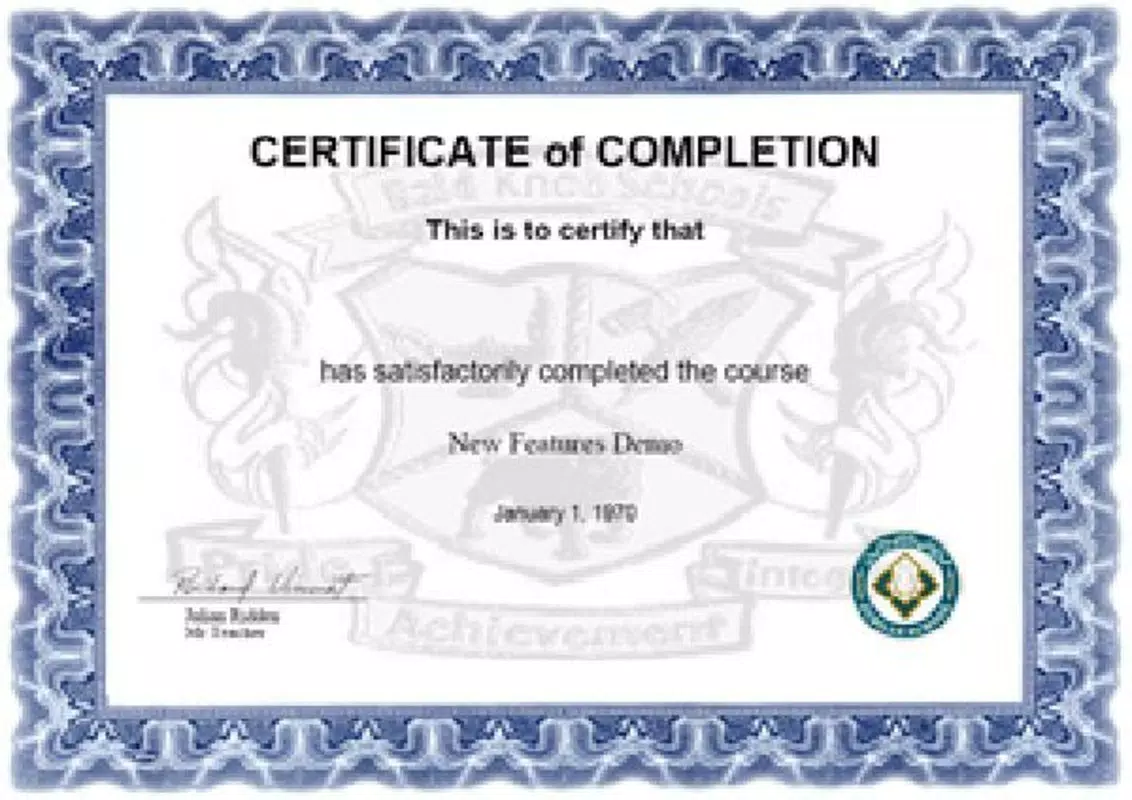
- Fully Customizable Designs: Users can incorporate logos, signatures, and decorative lines to align certificates with institutional branding. This level of personalization ensures that each diploma reflects the identity of the issuing organization.
- Easy PDF Output: Certificates are generated in PDF format, ensuring consistent rendering across devices and compatibility with printers, email systems, and digital portfolios.
- Personalized User Information: Each certificate automatically includes the student’s name and course title, adding authenticity and emotional value to the achievement.
- Simple Installation Process: The module requires only copying files into the MOD folder of a Moodle installation, making it accessible even for non-technical users.
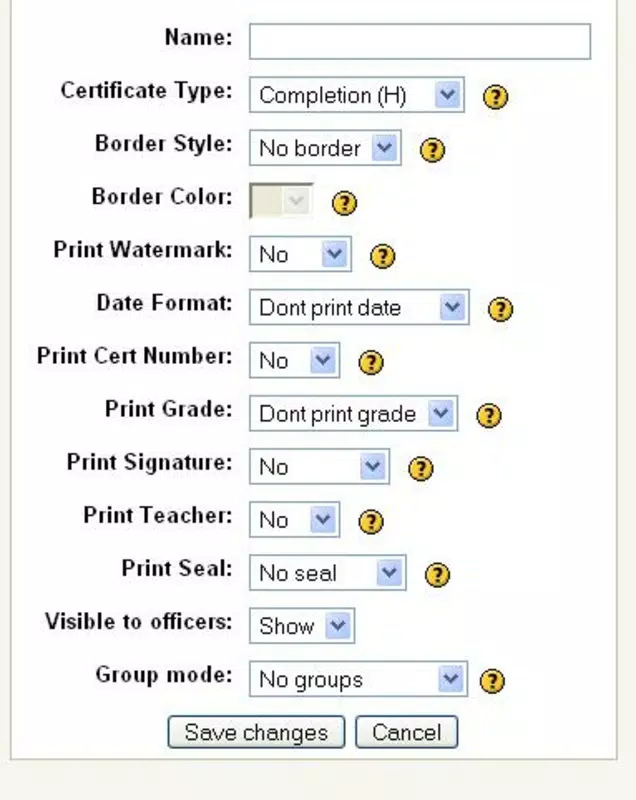
- User-Friendly Customization: Settings allow educators to modify text elements easily, enabling adaptation across different courses or accreditation standards without requiring coding knowledge.
For example, a university offering multiple online certifications can use the module to generate unique certificates for each program. An instructor teaching a professional development course can quickly produce a downloadable diploma for each student upon course completion. The ability to maintain consistent formatting while personalizing content streamlines administrative tasks and enhances the learner experience.
Interface, UX & Performance
The Certificate for Moodle module operates within the Moodle interface, meaning its usability depends on the host platform’s design. As a plugin, it does not have a standalone UI but integrates directly into course administration panels. Navigation is consistent with Moodle’s established workflows, minimizing the learning curve for existing users.
Visual layout is determined by the customizable template settings, allowing administrators to define the structure, fonts, colors, and placement of elements such as logos and signatures. The interface for editing certificate text is straightforward, with clear input fields for dynamic content like student names and course titles.
Although the developer did not list formal performance metrics, the module’s lightweight file size of 4.5 MB suggests efficient resource usage. It is designed to function within the Moodle environment without imposing significant overhead on server performance. Stability is likely maintained through its long-standing presence in the Moodle ecosystem, though real-world testing across different server configurations is not publicly documented.
Platform Compatibility & Technical Requirements
The Certificate for Moodle module is designed specifically for the Moodle platform, which is compatible with various operating systems including Windows, macOS, Linux, and mobile devices via web browsers. It does not operate as a standalone mobile application but functions as a server-side plugin within a Moodle installation.
The current version is 2006120700, released on December 7, 2006. The file size is 4.5 MB, indicating a compact and lightweight deployment. The developer did not specify minimum OS requirements or compatibility details beyond the Moodle platform. Users must ensure their Moodle environment meets the necessary prerequisites for plugin installation, which are typically outlined in Moodle’s official documentation.
Pros and Cons
Pros
- Free to use and distribute, reducing barriers for educational institutions.
- Seamless integration with the Moodle learning management system.
- Supports high levels of customization for branding and design.
- Generates PDF certificates for easy sharing and printing.
- Simple installation process requiring minimal technical expertise.
Cons
- Not available as a standalone mobile app; requires a Moodle server environment.
- May require manual configuration for advanced design features.
- Long release date suggests limited recent updates or modern UI enhancements.
- Dependent on the host Moodle installation’s stability and performance.
- Compatibility with newer Moodle versions may require verification.
FAQ
Is the Certificate for Moodle module secure?
The module is hosted within the Moodle ecosystem, which follows established security protocols. As a plugin, it inherits the security measures of the parent platform. However, users should ensure their Moodle installation is up to date and properly configured.
Can I use this module on mobile devices?
While the module itself is not a mobile app, it can be accessed via mobile web browsers when the Moodle site is mobile-responsive. Certificate generation and viewing are possible through smartphones or tablets, provided the hosting platform supports mobile access.
Is the module compatible with the latest Moodle versions?
Compatibility depends on the specific Moodle version in use. The module was released in 2006, so users should verify its compatibility with their current Moodle installation through official Moodle plugin repositories or documentation.
Do I need technical skills to install the module?
Installation involves copying files into the MOD folder, a process suitable for users with basic technical knowledge. No advanced coding or server access is required beyond standard Moodle plugin setup.
Can I update the module after installation?
Updates are not available through automated systems. Users must manually download the latest version from the official Moodle plugin directory and replace the existing files. The developer has not provided a formal update mechanism.
Final Thoughts
The Certificate for Moodle module remains a valuable tool for educators committed to recognizing student achievements in digital learning environments. Despite its age, its core functionality—creating branded, personalized certificates in PDF format—remains relevant and effective. Its integration with Moodle ensures a smooth experience for administrators and instructors who prioritize ease of use and consistency.
While it lacks modern mobile app features, its role as a reliable, lightweight plugin continues to serve the e-learning community. Institutions seeking to issue formal digital credentials without additional cost will find significant value in this solution. For those managing online courses through Moodle, the ability to generate professional-looking diplomas with minimal effort is a compelling advantage.
Download Certificate for Moodle now


